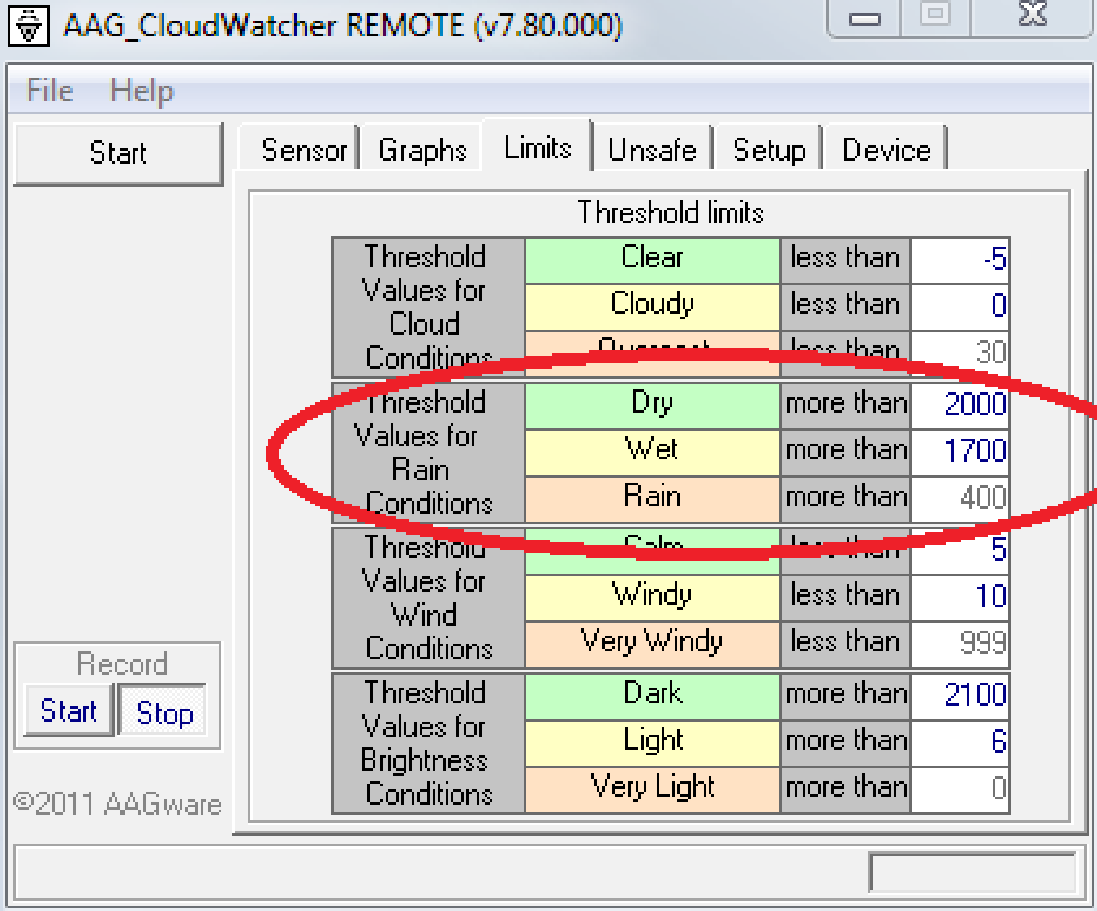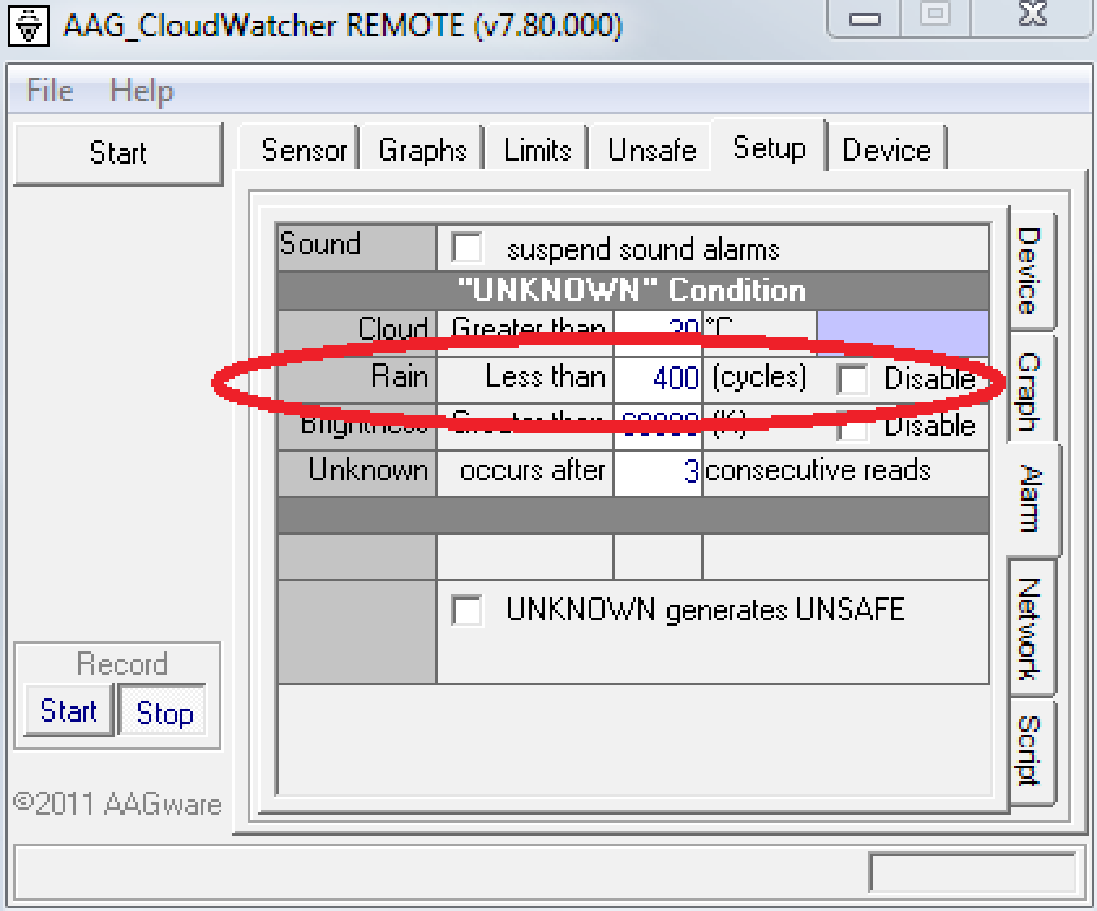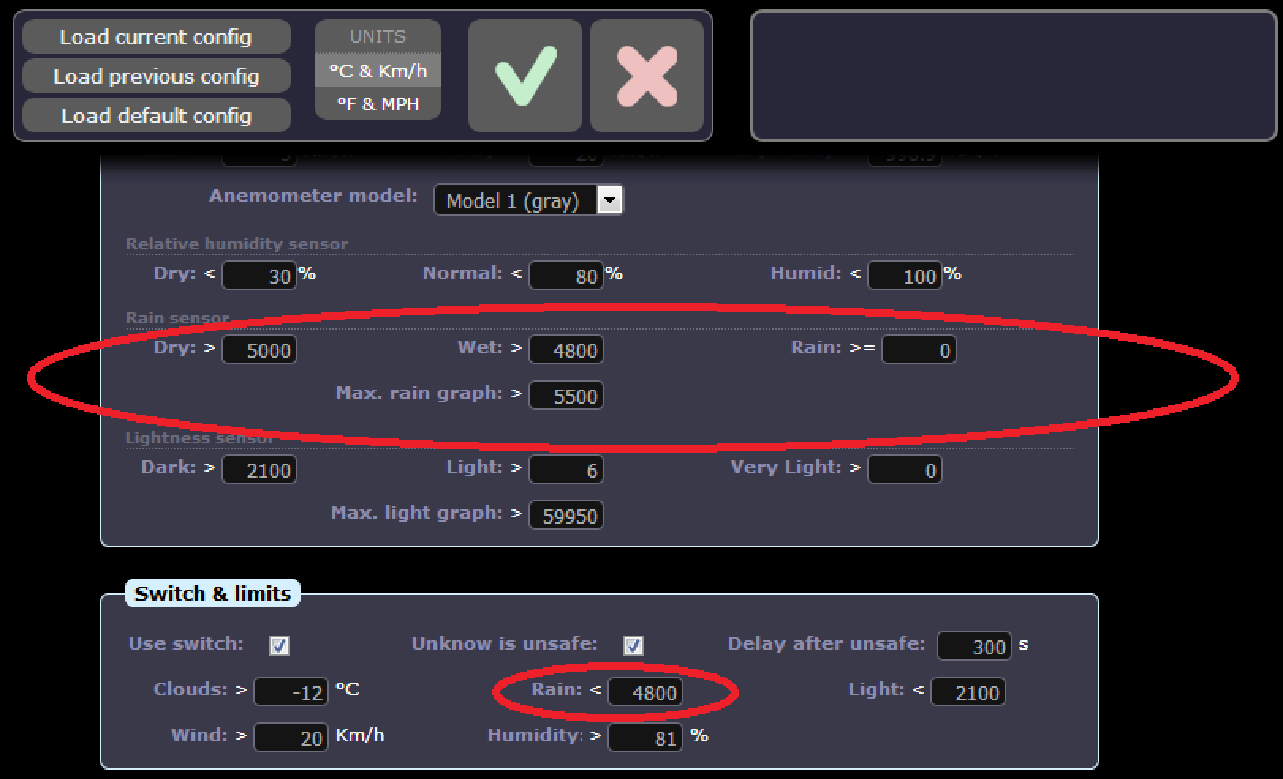
While the three models are similar, they behave slightly differently. There are just three parameters in the software that may need adjusting: the dry / wet / rain limits.
Quick calibration
Sensor C
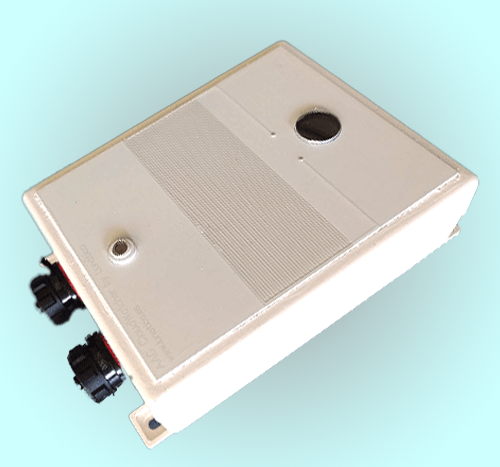
This is the current sensor model. The default values are:
- Dry — 3200
- Wet — 2800
- Rain — 10
Enter these limits in the CloudWatcher software / SOLO.
Sensor B
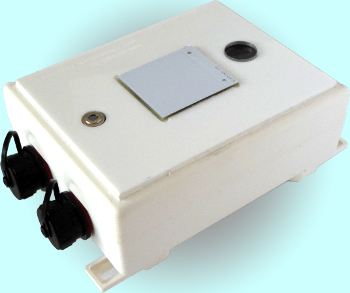
CloudWatchers with this sensor require calibration. Begin by taking the highest value observed on a clear sunny day—this is the dry value. Set the wet limit to 3% to 5% below the dry value. Set the rain limit to 20% below the dry limit.
Sensor A
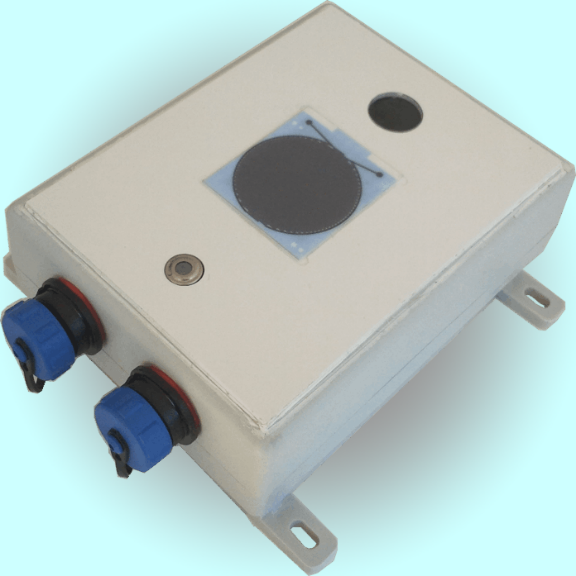
This sensor does not require calibration. Use the default values:
- Dry — 2000
- Wet — 1700
- Rain — 400
No further calibration is normally required.
Detailed calibration
For the most accurate calibration, place your CloudWatcher over a table, connect the software, and make sure the rain sensor is totally dry—do not touch its surface with your bare fingers.
Now note the rain sensor reading.
With a stick, the tip of your pen, or similar, place a small drop of water on the surface of the sensor. Wait a few seconds and take note of the new reading—it should be around 100 lower than the previous one.
Now place 2 or 3 big drops of water, wait a bit, and take note again. Now the value should have dropped quite a lot (several hundreds to thousands).
Example: let's say the values read are 4400 for totally dry, 4200 for a drop of water, and 3000 for several drops over the sensor. With these, we'll have for the 3 settings:
- In between the drier values, for Dry: 4300
- In between the wetter values, for Wet: 3800
- 0 for the lowest possible value
Software calibration
To configure the software, enter the three values in the Limits tab (Windows software) or the equivalent configuration page (SOLO). Note that in Windows, the "0" (lowest possible value) is entered in the Setup tab, Alarm section.