
PushBullet no longer supports iOS
It's been recently drawn to our attention that PushBullet no longer supports iOS devices: no iPhone, iPad, or other Apple mobile devices. This is a significant limitation for observers who rely on mobile notifications while away from their computers at the eyepiece or out under the stars.
Thanks to Dave for flagging this issue and pointing us toward a solid alternative.
PushOver: a cross-platform alternative
PushOver supports all major platforms—iOS, Android, and desktop—making it the recommended notification service going forward. Unlike PushBullet (which was free), PushOver requires a one-time payment of $5 USD after the trial period.
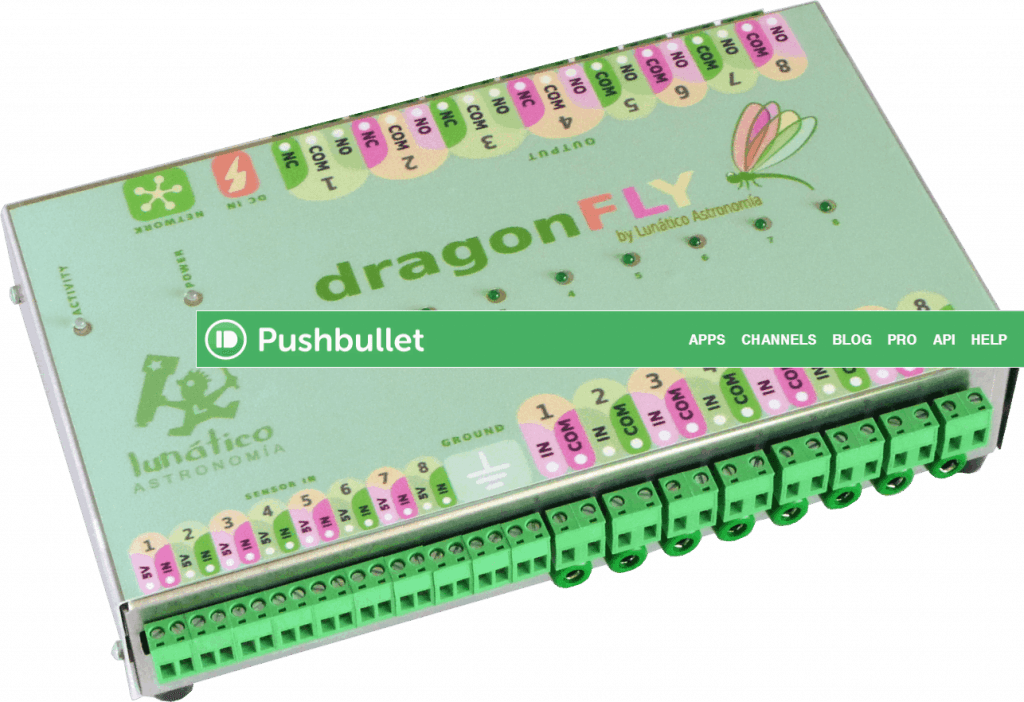
Enabling PushOver in Dragonfly and Solo
PushOver support has been added to both Dragonfly macros and CloudWatcher Solo notifications. Activating it requires no configuration screen changes: just a small prefix on your token.
When entering your notification key, simply prepend po- to your PushOver token:
po-YourActualPushOverTokenHereNote: The software interface still refers to a "PushBullet key" in some places. This will be updated in a future release. In the meantime, entering a key that starts with po- (two letters, a dash) automatically routes the message through PushOver instead of PushBullet. No other changes are needed.
Summary
- PushBullet no longer works on iOS (iPhone, iPad)
- PushOver supports all platforms and costs a one-time $5 USD fee
- Both Dragonfly macros and CloudWatcher Solo now support PushOver
- To activate: enter your PushOver token prefixed with
po- - No other configuration changes are required
Credit to Dave for identifying the PushBullet iOS limitation and suggesting PushOver as the replacement.
Posted by Jaime · Observatory Control