
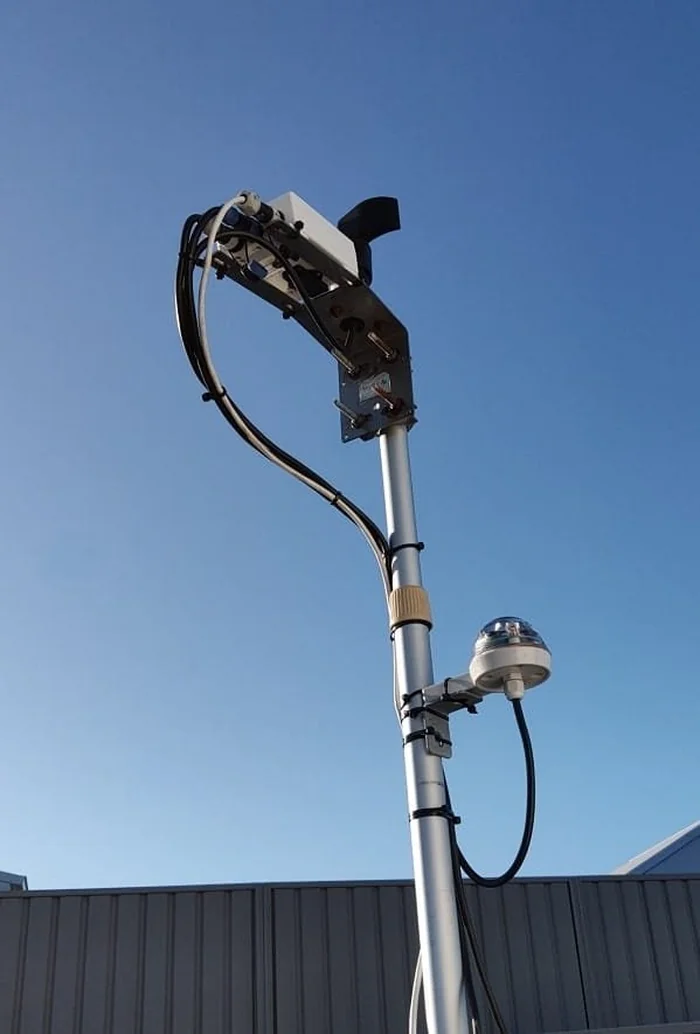
How the connection works
The Hydreon RG-9 natively works by opening or closing a contact when it detects rain: a simple on/off signal. CloudWatcher's rain sensor input, however, expects a variable reading depending on the amount of rain. A special cable adapts the RG-9's contact into just two distinct readings from the CloudWatcher's point of view: one value when dry, a significantly lower value when rain is detected.
Because the cable's length affects the exact values reported, the numbers you see will differ from another user's installation. This is normal and expected. You calibrate for your own readings.
Calibration—four steps
Step 1—Record the dry reading
With the RG-9 connected and the sensor surface completely dry, open the CloudWatcher software (or the SOLO web interface) and note the current rain sensor reading. This is your dry value.
Step 2—Introduce moisture
Touch the top surface of the RG-9 with a damp finger, or apply a few drops of water. The reading will drop.
Step 3—Record the rain reading
Note the value shown while the sensor is wet. This is your rain value. The gap between the two numbers is what you work with.
Step 4—Set the threshold values
Using the dry and rain readings, configure the three threshold values in the CloudWatcher software:
Example: dry reading = 2000, rain reading = 500
- Dry > 1500
- Wet > 1400
- Rain > 100
The Dry and Wet thresholds should sit comfortably between the two readings. The Rain threshold should be well below the rain value.
Avoiding common mistakes
Do not set thresholds too close to your actual readings. Temperature variations cause slight fluctuations in the values throughout the day and night. Using the example above:
- Do not set Dry > 1990 (too close to 2000: a cold night might push the reading below the threshold and trigger a false rain alarm)
- Do not set Rain > 390 (too close to 500: heavy rain might push the reading above and fail to trigger)
Leave a comfortable margin on both sides.
SOLO CloudWatcher: additional setting
If you are using a SOLO CloudWatcher, don't forget to also set the Unsafe by rain setting in the Switch and Limits section of the SOLO web interface: 1500 will do, in the example above.