What is Dragonfly Automata?
One of the nice things the Dragonfly can do by itself is act as a dedicated automata—that is, perform some simple actions as a result of external events—even with the PC shut down.
What Automata can do
In practice, this means we can use the Dragonfly to:
Weather safety response
Check the AAG CloudWatcher relay for unsafe weather, closing the roof if unsafe.
PC watchdog
Monitor if the PC is «alive»—for instance resetting it if it's not. See Dragonfly as a watchdog for the full procedure.
Unauthorised opening alert
Check if the roof opens without a session being active (for whatever reason) and power an alarm.
… and more
These are only examples. Please check our Dragonfly Macros manual to get a grasp of what can be accomplished with the macros.
Resources: the complete macros reference is in the Dragonfly Macros Manual. Sample scripts are included in the Setup Scripts package (ZIP), and the Setting up the Dragonfly guide walks through a real observatory step by step.
Automata in action
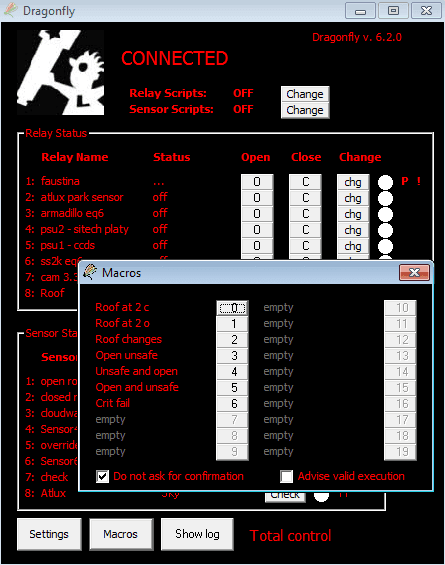
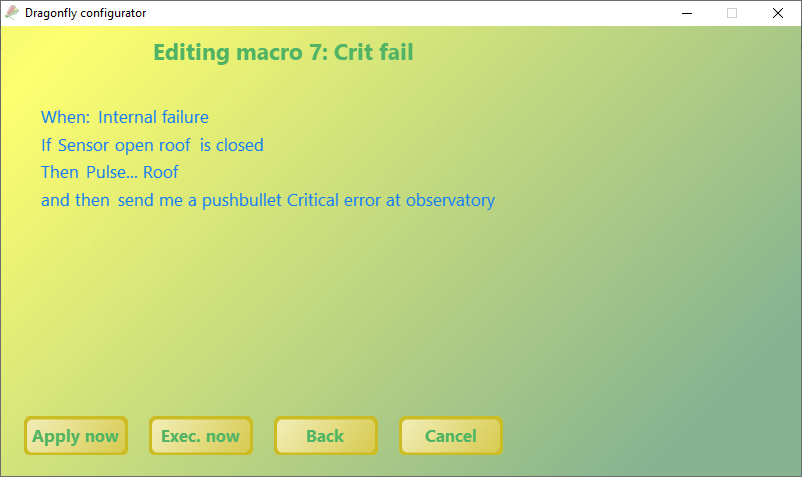
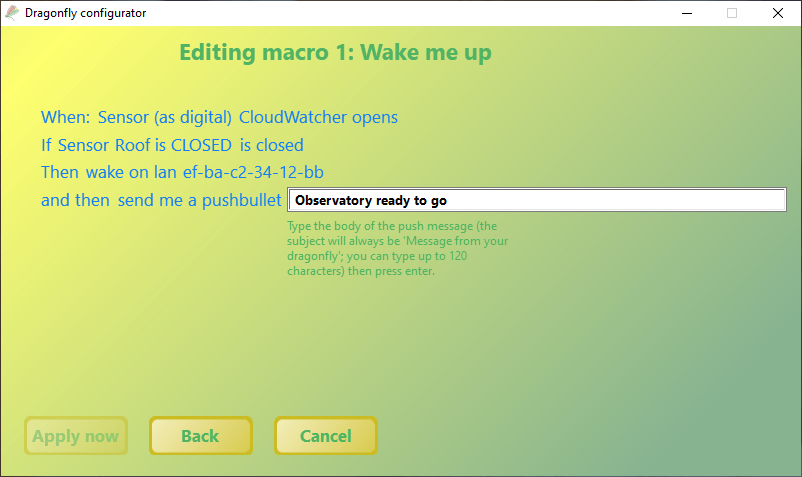
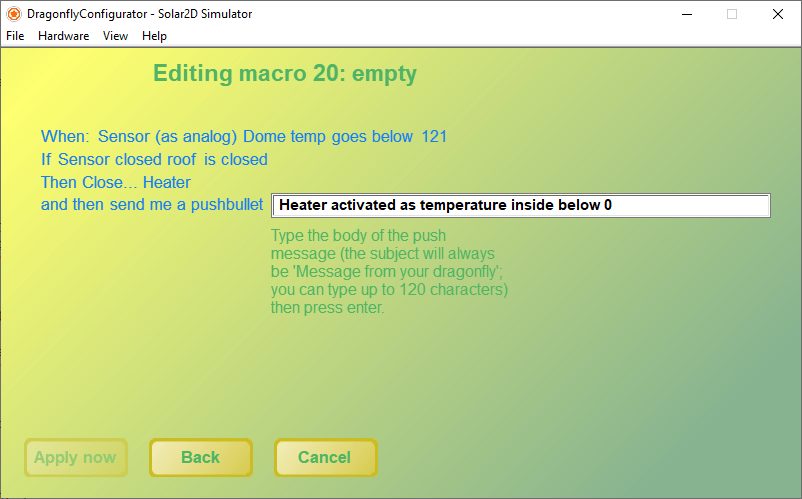
Some macro screens from the Dragonfly Configurator.